Back to Home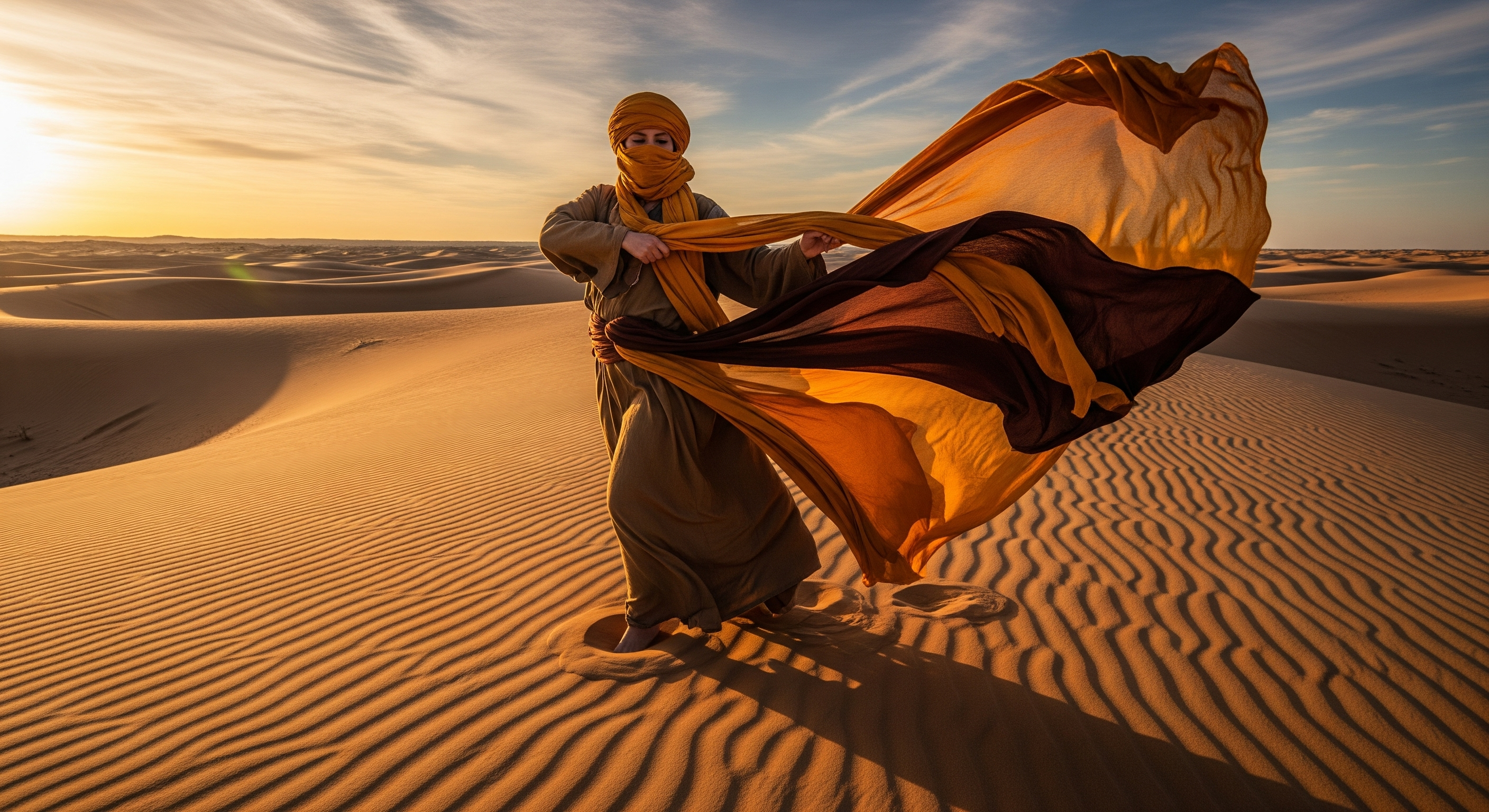

GOOGLE VEO
Experience cutting-edge AI video generation with Text to Video and Text & Image to Video capabilities. Create stunning, high-quality videos with unmatched creativity. Include the sound, speech, or audio elements from one prompt.
Powered by Google DeepMind
Text to Video
Text & Image to Video
100 credits per video
Important Constraints
Google Veo has specific limitations that you should be aware of before using:
- Aspect Ratio: Only supports 16:9 landscape format (1920×1080)
- Content Restrictions: Cannot generate content featuring children
Despite these constraints, Google Veo excels at creating high-quality, cinematic videos with natural motion, realistic physics, and excellent visual consistency throughout the generated content. Plus, describe any sound, speech, or audio elements in your prompt, and watch as Google Veo brings them to life with remarkable authenticity and natural integration.
Text to Video Gallery
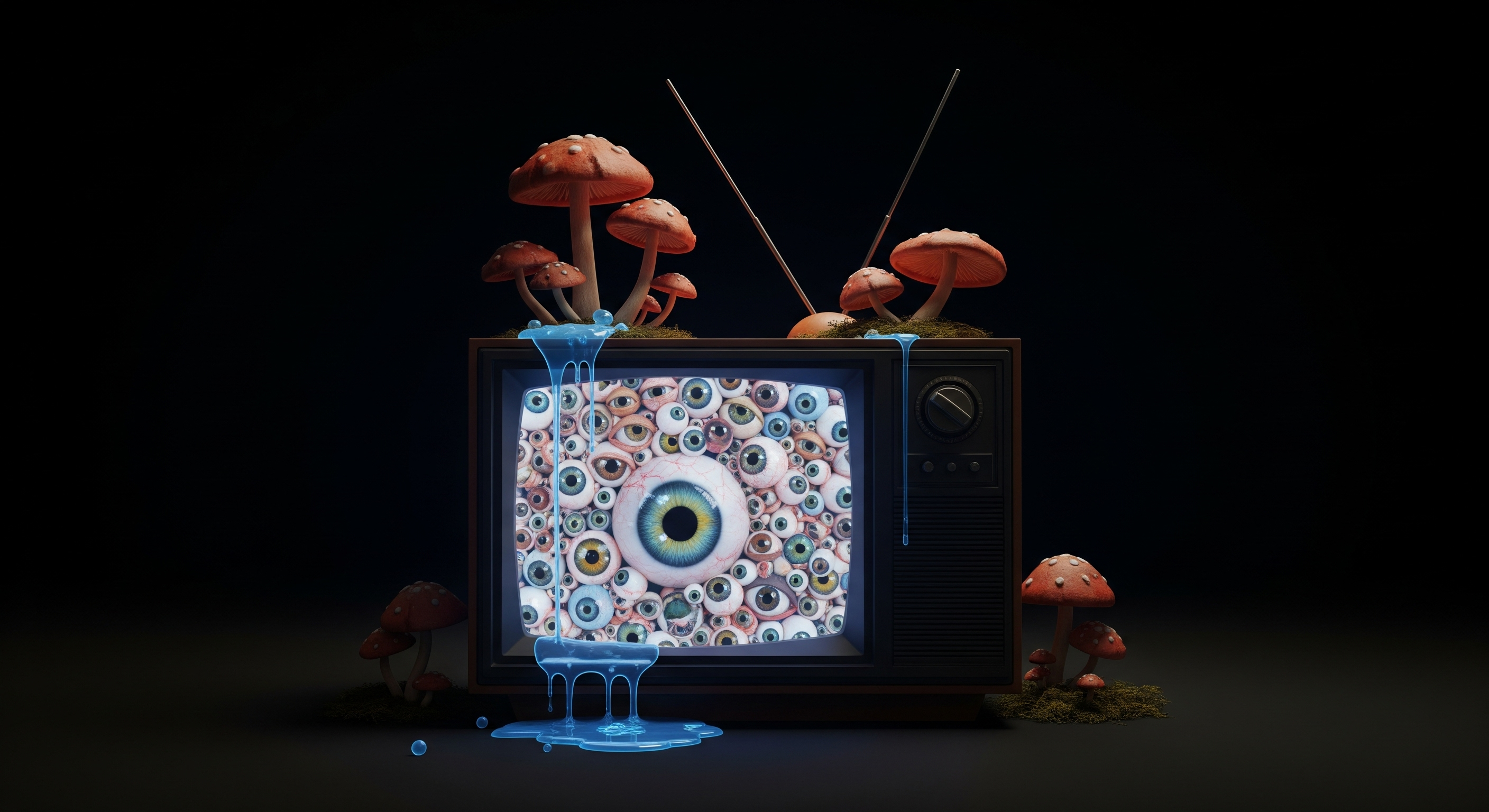
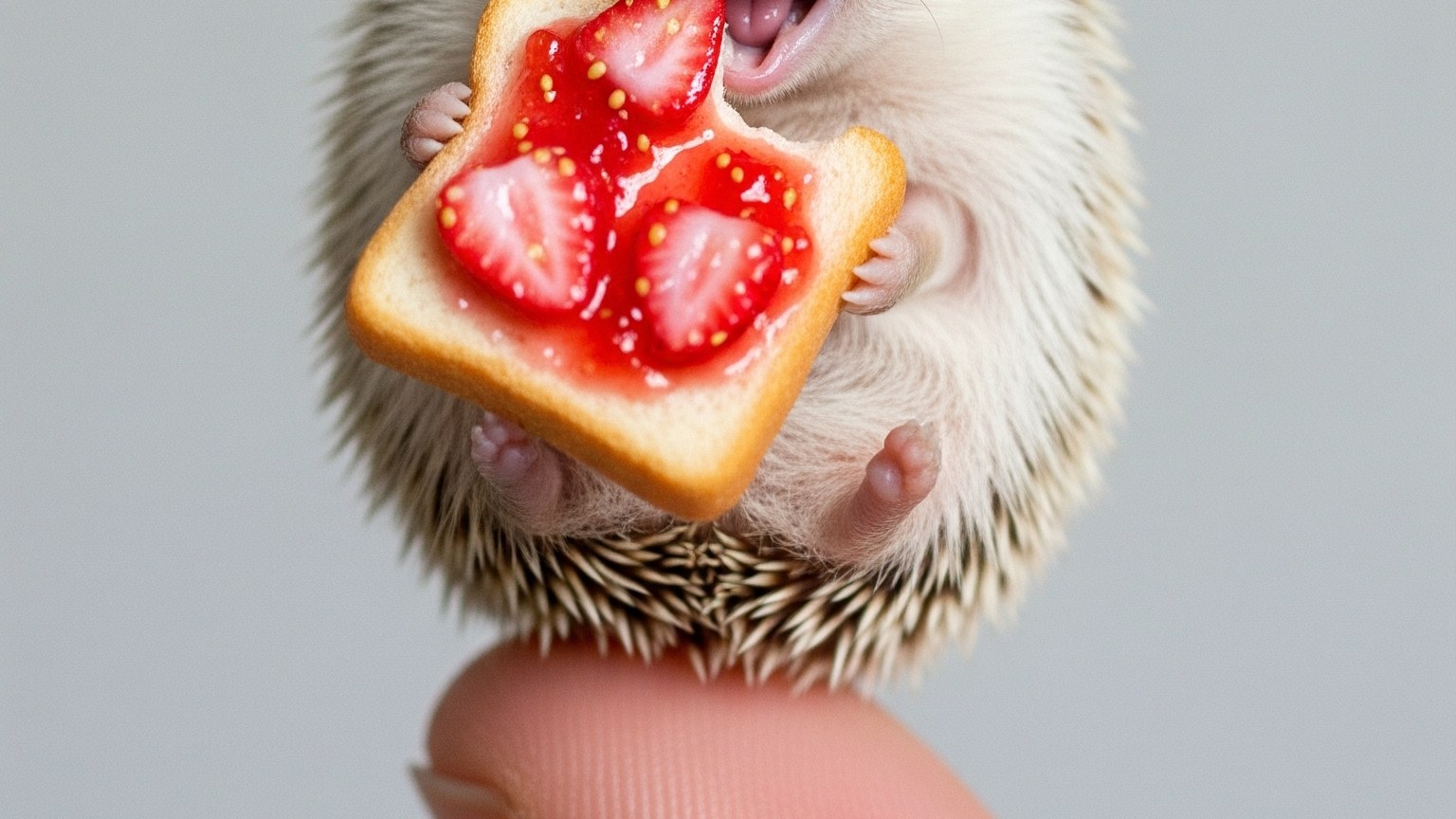
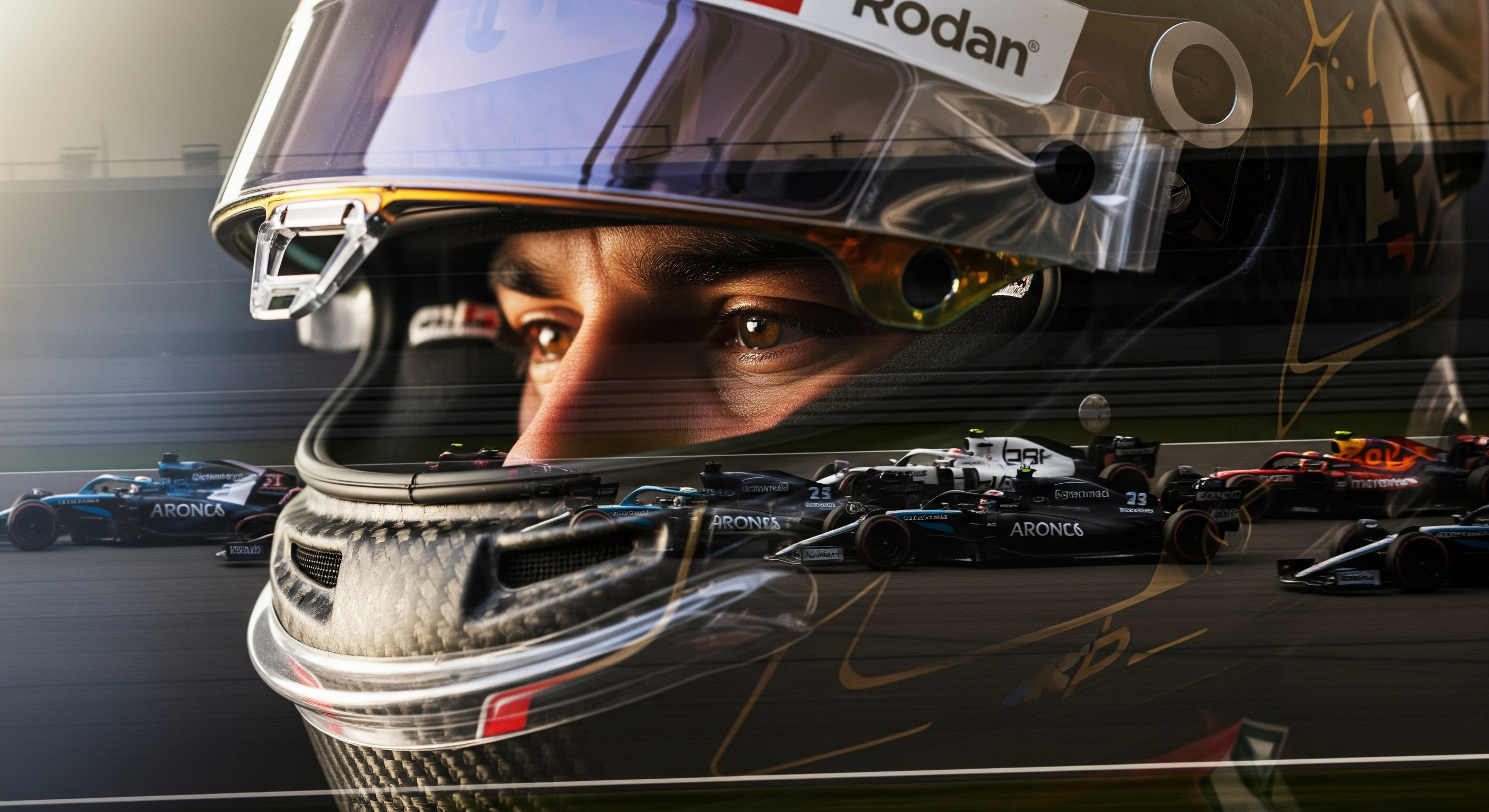
Explore the stunning capabilities of Google Veo through these AI-generated videos. Click on any video to see how it was created.
Click me
Click me
Click me
Click me
Click me
Click me
Click me
Click me
Click me
Click me
Click me
Click me
Text & Image to Video Gallery
Experience advanced video generation with image references using Google Veo. Transform static images into dynamic videos with precise control. Click on any video to see how it was created.
→
Click me
→
Click me
→
Click me
→
Click me
→
Click me